


 Total
Total





Product licensing process
how to claim
3 steps to getting a digital version of the product
Let's go shopping
Visit our website and choose merch marked "NFC" accordingly to get a digital version of the product
Buy
Use the phone
Once you receive the long-awaited product, hold a phone with an NFC reader up to the special label on the product. The phone will read the label and open a unique webpage.
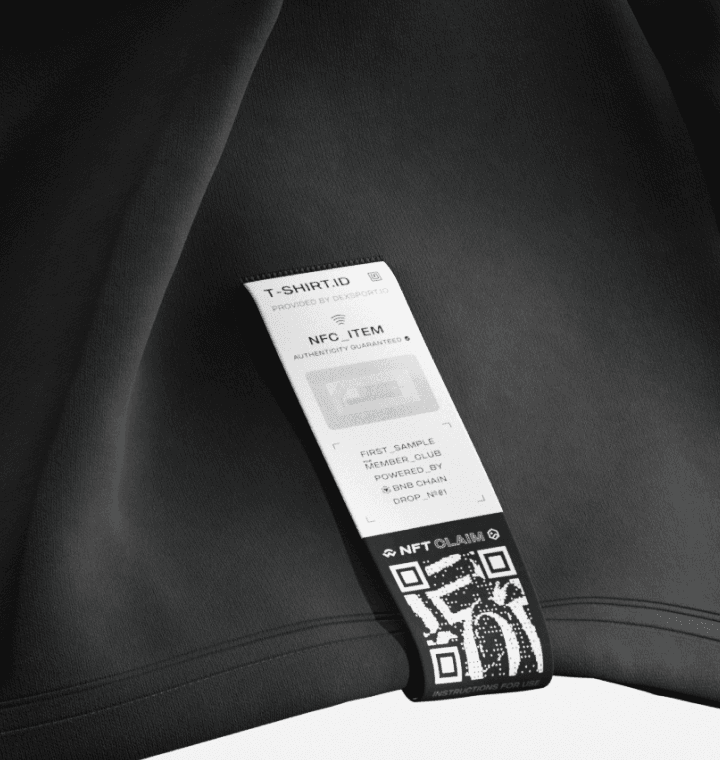
Connect wallet
Connect your Web3 wallet, and collect the NFT by clicking on the "Claim"button. In a few minutes, the NFT will be in your wallet.
You need to have some BNB on your balance for a successful transaction
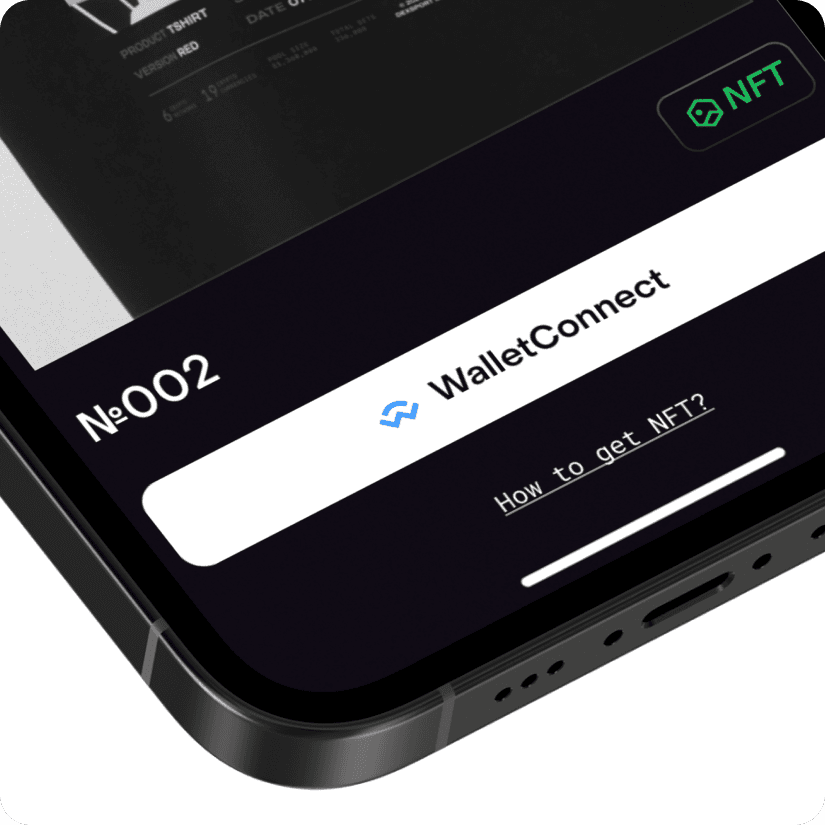
License received
Congratulations! Now you have a digital version of the product with a unique number assigned to it.
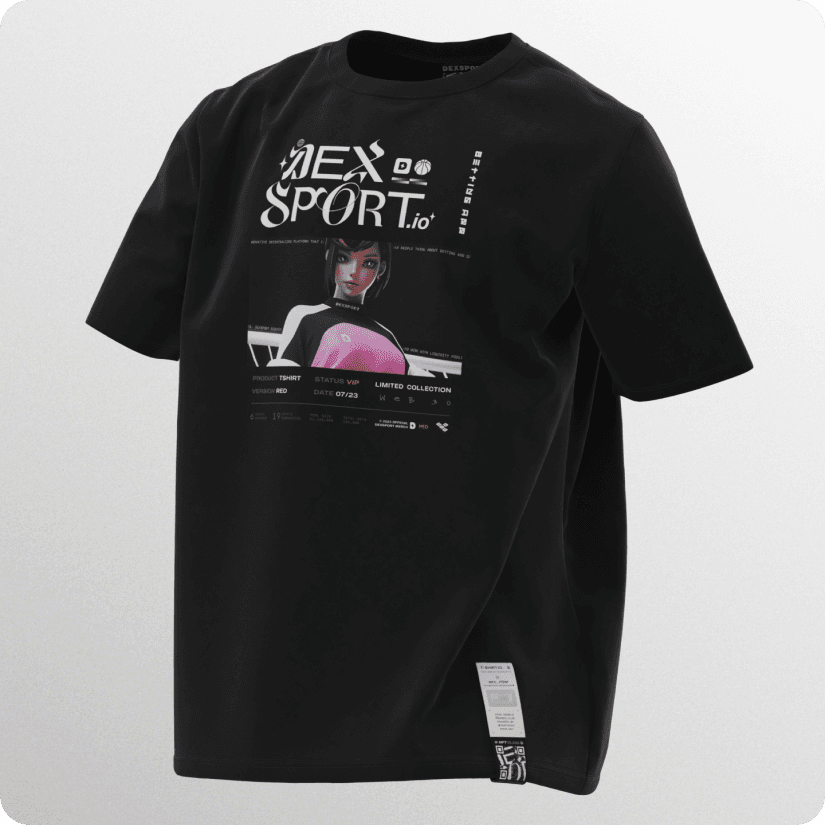
An NFC tag is detected with a single tap when a smartphone equipped with an NFC module is brought close to it. As a rule, no separate mobile application is required. Simply tap your phone against the NFC tag to view the digital version of the merchandise.
An NFT is a unique digital representation of the physical product. Each item is unique, and the combination of technologies used makes it impossible to duplicate or counterfeit. The value of the digital asset is directly linked to the physical product, and vice versa. This provides a 100% guarantee of the item's authenticity and confirms that the owner of the physical product and the NFT is the same person.


 Coinmarketcap
 CoinGecko
 DEXTools